

Waiter App
Let staff take orders at the table on a handheld device and send them directly to POS and the kitchen. Keep each order linked to the right table throughout service.
Request a demo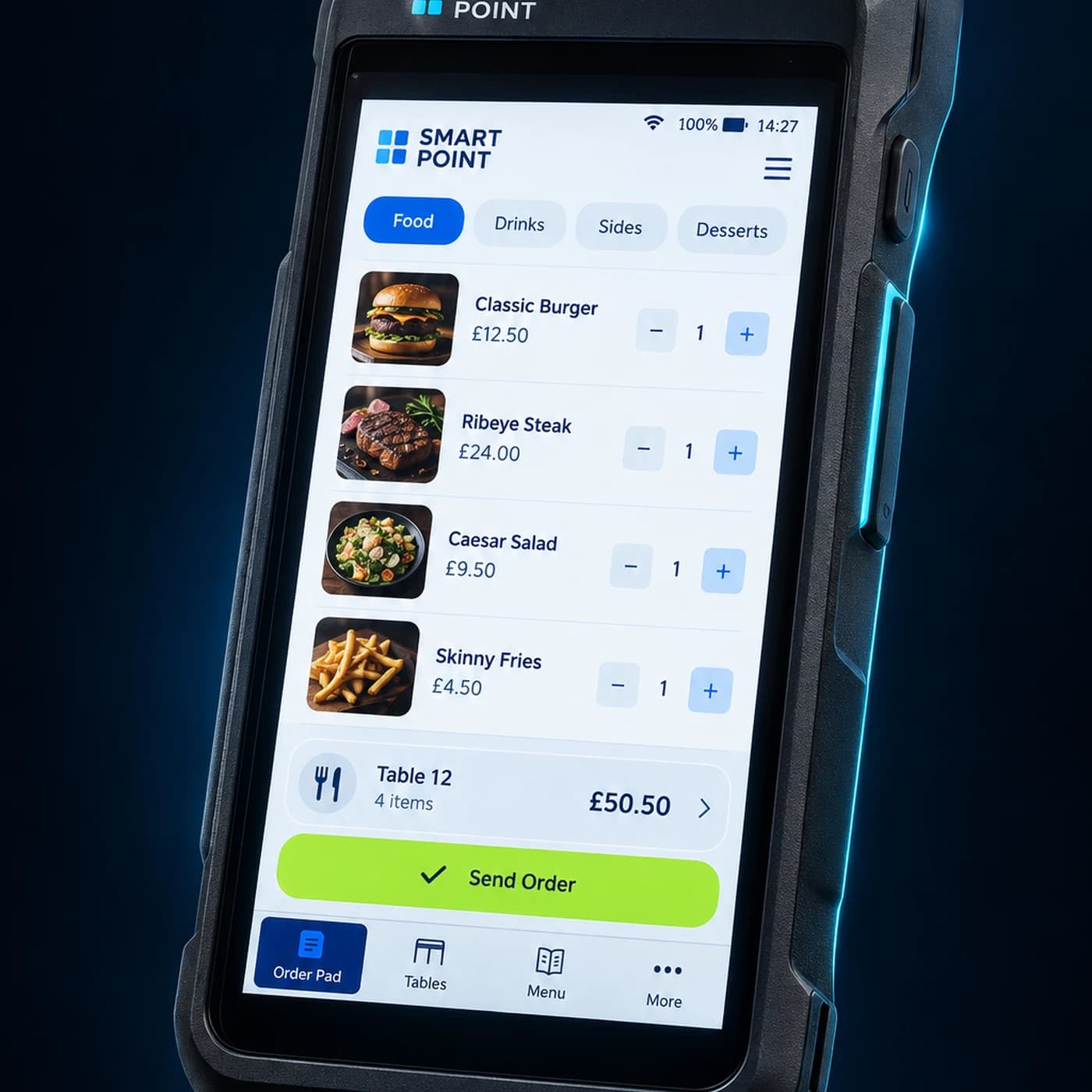
Features
Tools for service at the table
Take orders tableside
Add items and available options while speaking with guests.
Send clear order details
Pass item selections and modifications to the kitchen.
Keep POS in sync
Follow table orders in the same system your team uses for sales and billing.
How It Works
From table order to ready for service
Staff take the order where guests are seated, send it for preparation, and follow its status during service.
Open the table
Select the table and add the guests’ items and options.
Send the order
Send items that need preparation to the kitchen.
Follow service
Update the table order as guests request more items, then settle the bill through your POS workflow.
Extend Your Waiter App
Connect your team across the dining room
Bring table orders, kitchen preparation, and guest-facing menus into one service workflow.
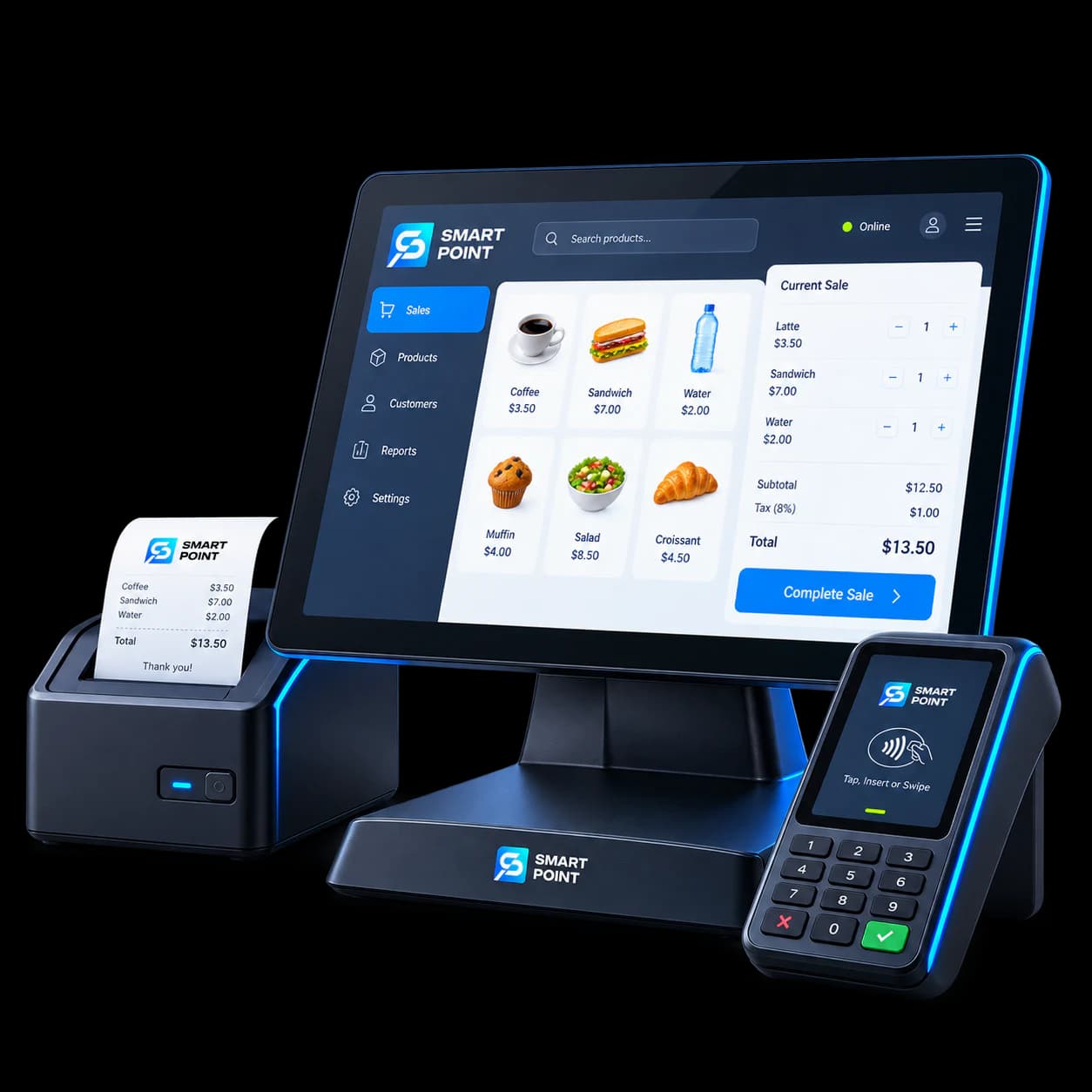
POS
Keep table orders with your sales and billing workflow.
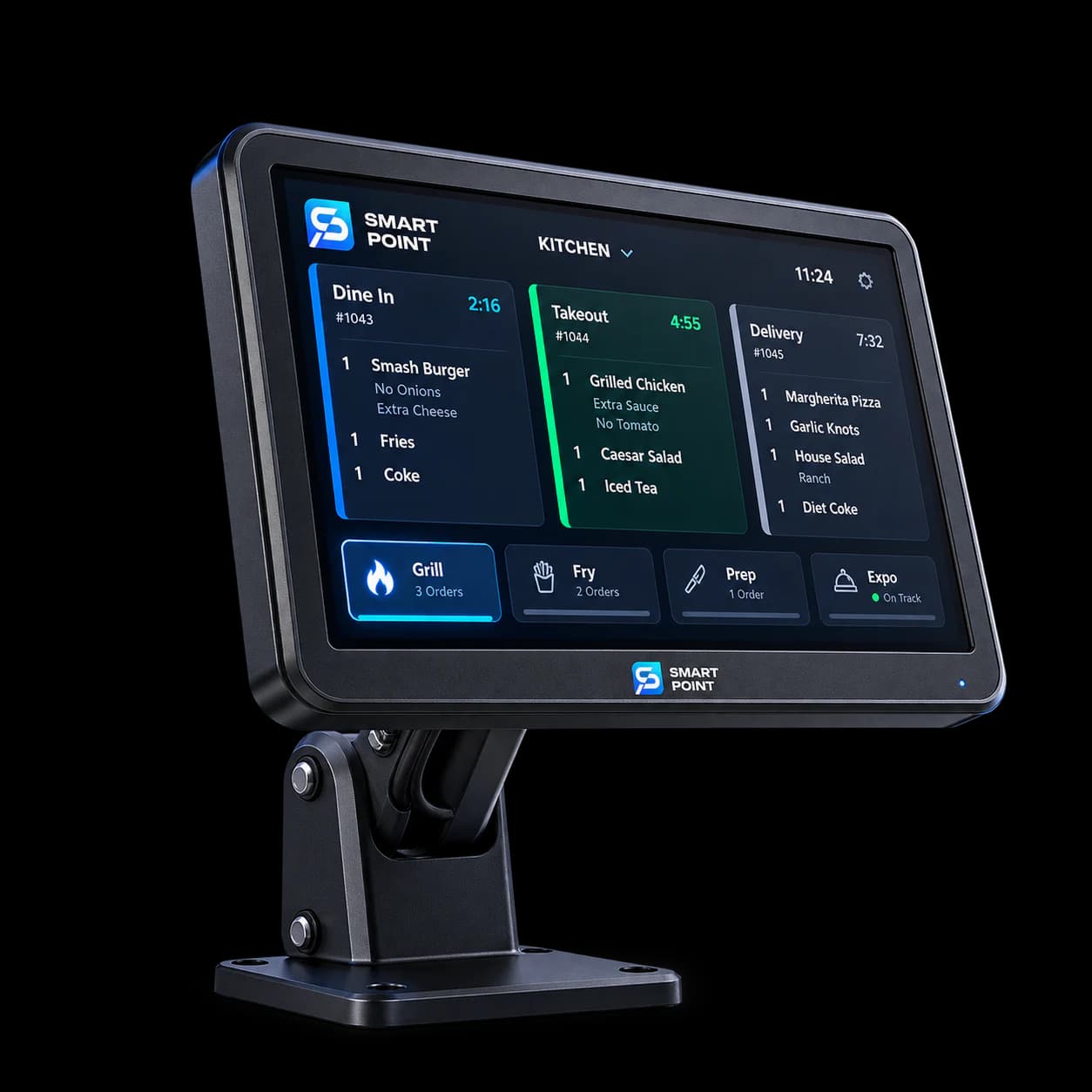
KDS
Send food orders to the kitchen screen.
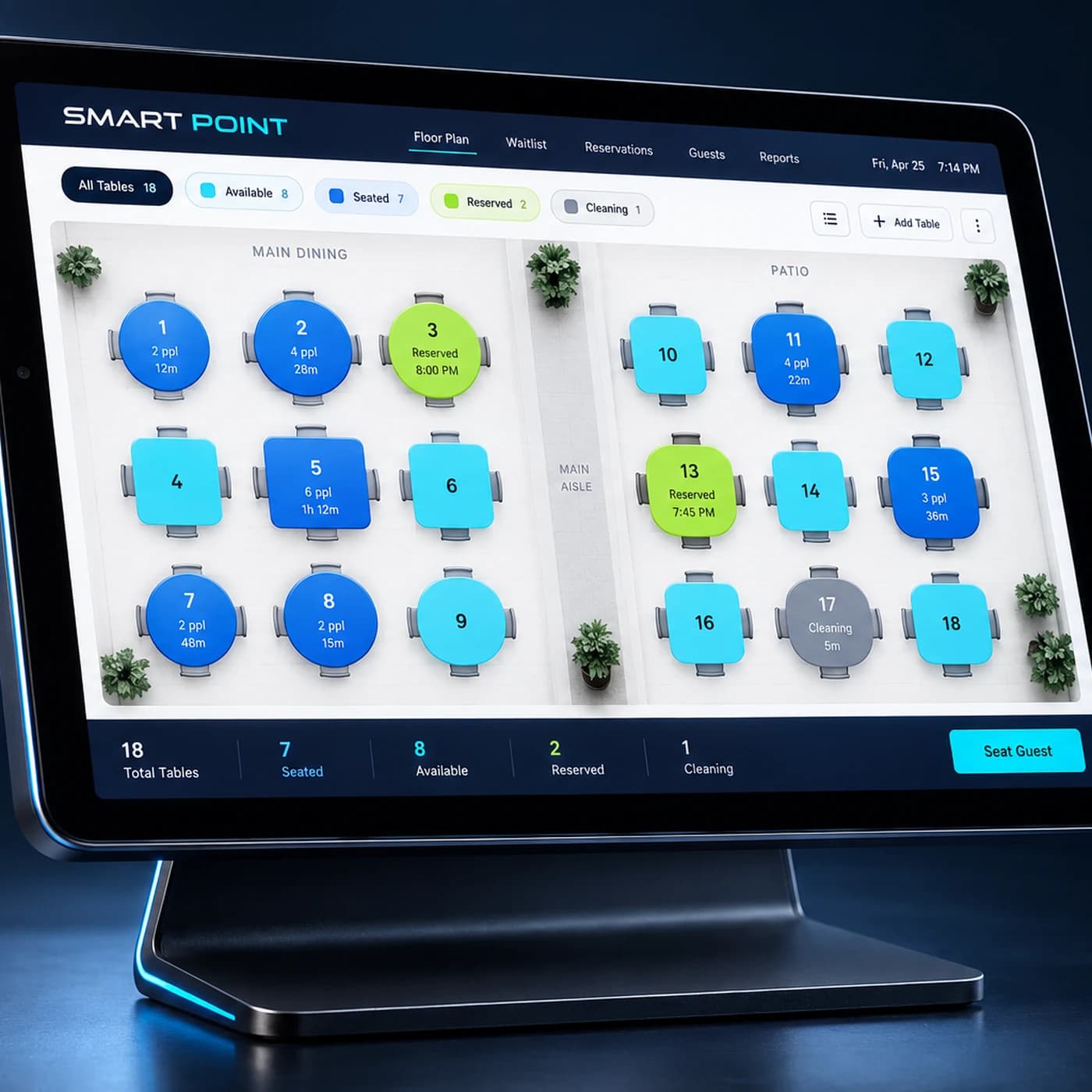
Table Management
See tables and keep orders linked to the right one.
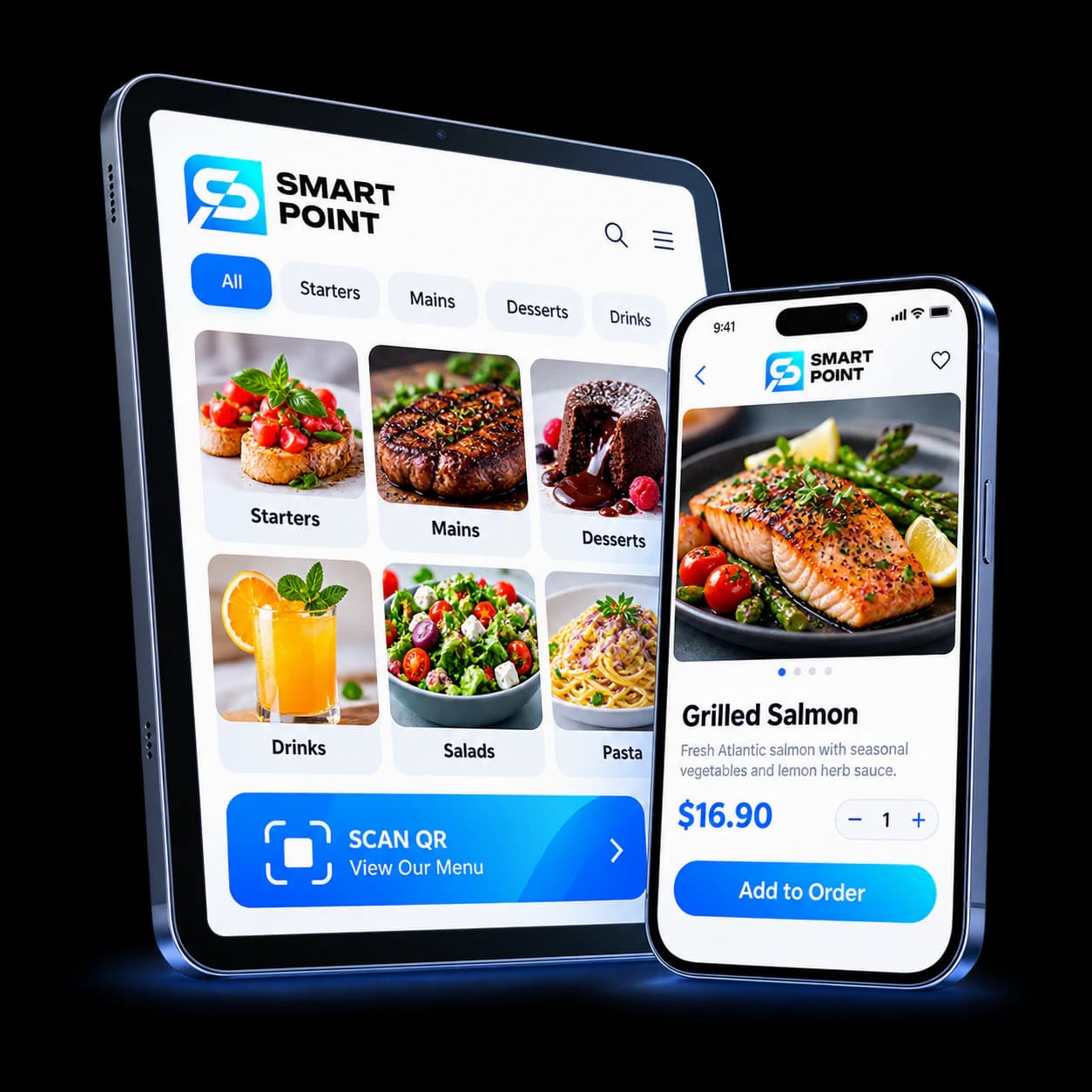
Cloud / QR Menu
Let guests browse the menu before or during service.
Get Started
Keep service close to the table
See how staff take orders, send them to the kitchen, and follow table activity from a handheld device.